Blog

  • First basic css workshop

    For this workshop I got to apply my new found html power with css theory. For context I have learned basic css syntax and some attributes such as

    .Class {
        selects all class
    }
    
    #ID {
        selects id
    }
    
    h1 {
        selects all h1
    }
    
    h1, h2, p {
        selects all h1, h2, and p elements
    }
    
    h1 h2 {
        selects h2
    }
    
    h1 ~ h2 {
        selects all fallowing h2
    }

    along with learning how to select elements for styling there’s the actual styling part, things like margin, padding, color, background-color, font-family, and max-width. also side note I thought icons were a special thing but apparently no its just an img element.

    body {
        font-family: sans-serif;
    
    }
    
    section {
        margin: 50px;
        padding: 15px;
        max-width: 500px;
        background-color: blue;
    }
    
    p {
        color: orange;
    }

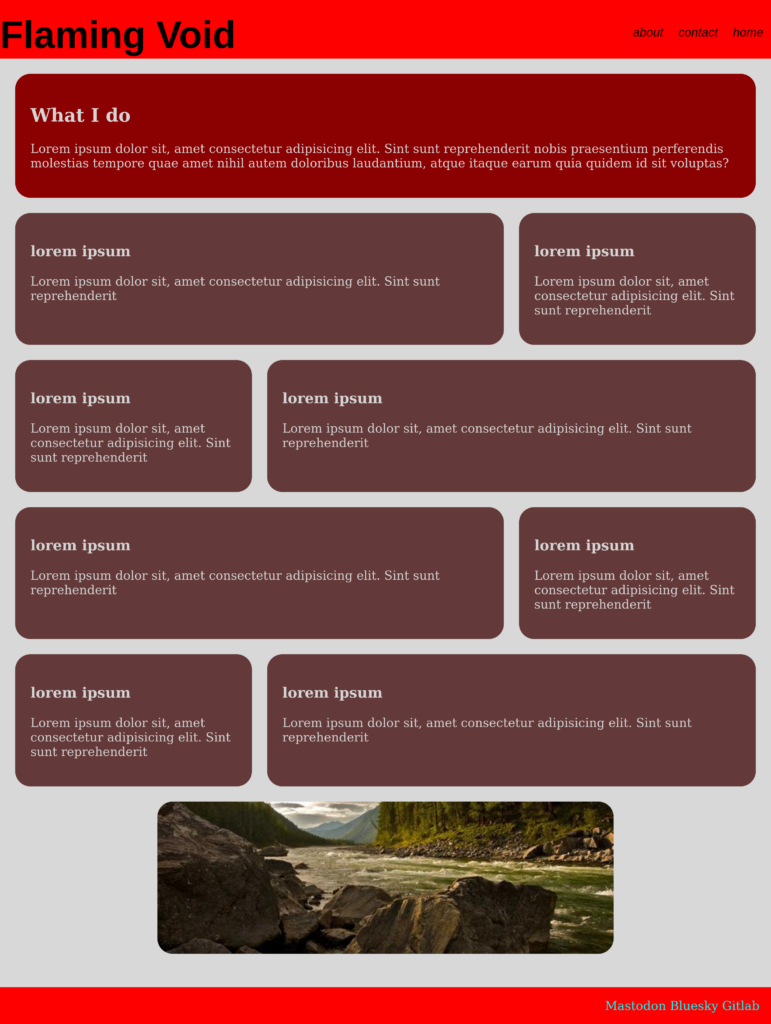
    and with all that in my brain I was able to fallow the instructions exactly to make this… bye bye

    Cafe Menu

    Edit: the custom html code broke the main page of my website so I had to make some modifications mostly specifying that everything being styled had to be a child of the menu class it made all the text on my main website black on black aka impossible to read so that was interesting.

  • Officially Certified in HTML

    I have completed the freeCodeCamp HTML certification Exam and here’s that code.

    <!DOCTYPE html>
    <html lang="en">
      <head>
        <meta charset="UTF-8" />
        <title>Survey Form</title>
      </head>
    
      <body>
        <h1 id="title">Bread Survey Form</h1>
        <p id="description">is our bread the best bread, well that's what we're here to do</p>
        <form id="survey-form">
          <label for="name" id="name-label">Name(required)</label>
          <input id="name" type="text" required placeholder="Joe Guy">
          <label for="email" id="email-label">Email(optional)</label>
          <input id="email" type="email" placeholder="guy@dude.com" required>
          <label for="number" id="number-label">Number(optional)</label>
          <input id="number" type="number" min="3" max="100" placeholder="23">
          <select id="dropdown">
            <option>Raisin Bread</option>
            <option>Pastry Bread</option>
            <option>Chabada Bread</option>
            <option selected>Deafault Bread</option>
          </select>
          <fieldset>
            <legend>
              <p>Did you like the bread</p>
            </legend>
            <label for="yes-option">Yes</label>
            <input type="radio" id="yes-option"name="option"value="yes">
            <label for="no-option">No</label>
            <input type="radio" id="no-option" name="option" value="no">
          </fieldset>
          <fieldset>
            <label for="sour">Was it Sour:</label>
            <input type="checkbox" id="sour" value="to-sour">
            <label for="dry">Was it Dry:</label>
            <input type="checkbox" id="dry" value="to-dry">
            <label for="wet">Was it to Wet:</label>
            <input type="checkbox" id="wet" value="to-wet">
          </fieldset>
          <textarea>
    
          </textarea>
          <button id="submit" type="submit">Submit</button>
          <!--<button type="submit">Submit</button> -->
        </form>
      </body>
    </html>
    
    Survey Form

    Bread Survey Form

    is our bread the best bread, well that’s what we’re here to do

    Did you like the bread

    You can also see this on my Gitlab bye bye now.

  • HTML #Tables

    Tables are… fine I don’t hate tables I just *sigh* they’re fine.

    So there’s table then thead, tbody, and tfoot

    <table>
        <thead>
    
        </thead>
        <tbody>
    
        </tbody>
        <tfoot>
    
        </tfoot>
    </table>

    then tr(table rows), th(table heading), td(table cell/details ) and colspan(how many columns a td should span ). and that’s kinda it actually its just a lot of copy pasting like a lot a lot.

    <table>
        <thead>
            <tr>
                <th>Stuff</th>
                <th>Other Stuff</th>
                <th>Extra Stuff</th>
            </tr>
        </thead>
        <tbody>
            <tr>
                <td>Lorem ipsum.</td>
                <td>Lorem ipsum.</td>
                <td>Lorem ipsum.</td>      
            </tr>
            <tr>
                <td>Lorem ipsum.</td>
                <td>Lorem ipsum.</td>
                <td>Lorem ipsum.</td>      
            </tr>
            <tr>
                <td>Lorem ipsum.</td>
                <td>Lorem ipsum.</td>
                <td>Lorem ipsum.</td>      
            </tr>
            <tr>
                <td>Lorem ipsum.</td>
                <td>Lorem ipsum.</td>
                <td>Lorem ipsum.</td>      
            </tr>
        </tbody>
        <tfoot>
            <tr>
                <td colspan="2">Average age to die of Lorem ipsum
                <td>400</td>
            </tr>
        </tfoot>
    </table>
    Stuff Other Stuff Extra Stuff
    Lorem ipsum. Lorem ipsum. Lorem ipsum.
    Lorem ipsum. Lorem ipsum. Lorem ipsum.
    Lorem ipsum. Lorem ipsum. Lorem ipsum.
    Lorem ipsum. Lorem ipsum. Lorem ipsum.
    Average age to die of Lorem ipsum 400

    Bye Bye now.

  • HTML #192-Working with forms

    First off the form element it has a a action attribute which is should be set to the URL of the site you’re sending data to, I haven’t really worked with that yet its only theory.

    <form action="url">
        <!--stuff-->
    </form>

    Next up we’ve got input elements they can be button or a spot for text don’t got much on them. Labels are cool just for their semantic property’s you can nest an input in them and create association or if you don’t want to do that you can set their for attribute to “example” and then set the inputs type attribute to “example” and Boom instant association.

    <form action="url">
        <label for="example">EXAMPLE TEXT</label>
        <input type="example">
    </form>
    
    <form action="url">
        <label>EXAMPLE TEXT <input></label>
    </form>

    Now finally my favorite element of note the button, buttons can be used for all sorts of stuff a lot of it requires java script but I learned through some testing if its type attribute is to “reset” and its in a form element with an input element it just knows what input it needs to clear!

    <form action="url">
        <label for="example">EXAMPLE TEXT</label>
        <input type="example">
        <button type="reset">Reset Stuff</button>
    </form>

    Bye bye now.

  • HTML #168 – Specialized Semantic Elements

    The sub and sup elements are fun with them I can do this

    <p>a<sup>2</sup> + b<sup>2</sup> = c<sup>2</sup></p>

    which would read as

    a2+b2=c2{\displaystyle a^{2}+b^{2}=c^{2}}

    There’s also the code element and pre element

    <pre>
    
        <code>
            print("Is this Codeseption")
    
        </code>
    
    </pre>

    Which would display as

    print("Is this Codeseption")

    Just realized the pre element didn’t do anything back there since their was no need for preformatting but onward.

    Then there’s the ruby element I’m gonna be honest I don’t think I’ll use this that much since it mostly for Asian topography but it’s kinda cool

    <ruby>議長 <rp>(</rp><rt>Chair</rt><rp>)<rp></ruby>

    Which would display as

    I looked it up and the internet says I need a ruby plugin to display this so here’s a picture

    And one last thing. I can do this now HouseMd that’s all bye bye now.

  • The problem of the invincible chain

    Yesterday I decided to connect all the test level’s together to see what it would feel like to play through all the level’s in a row

    without having to close and reopen the project so I did that but there was one bug.

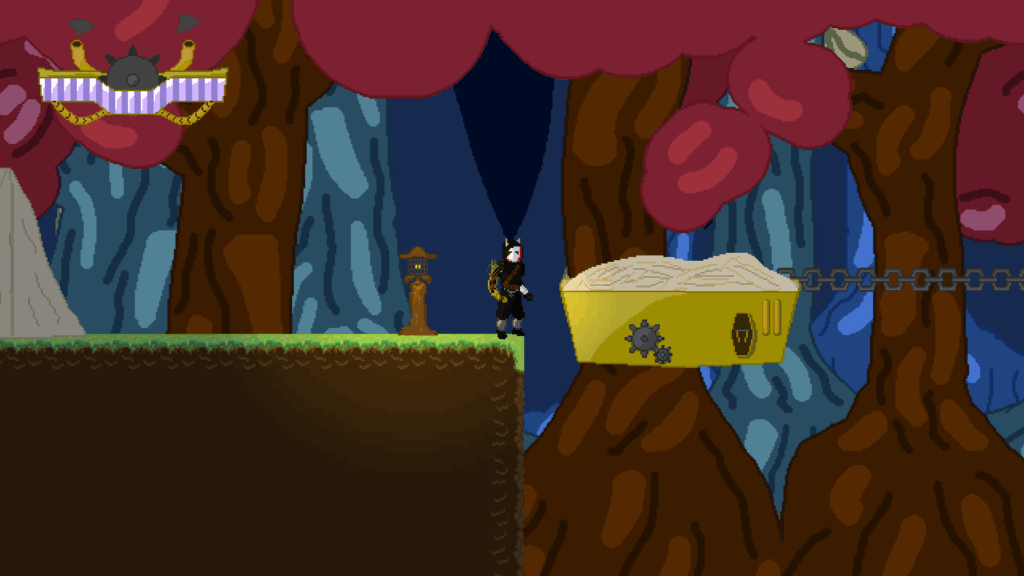
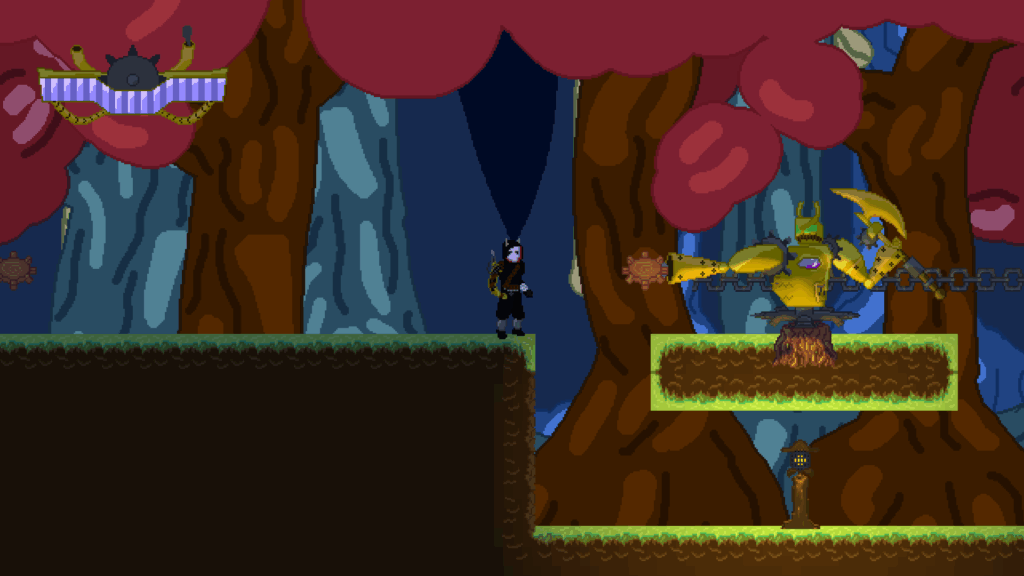
    if a level contained moving platforms the chains for those platform’s would remain even though I had loaded a new level.

    I tried several things to try and fix this bug

    I added a signal to my level transition node telling the level to delete all of its children right before the new level loaded in this did not work.

    I made a singleton signal to tell all moving platform nodes to delete all of there children this also failed.

    it was then that I remembered a new addition to godot the embedded game this allowed me to look at nodes while the game

    was playing so I got to the level after the one with the moving platforms and clicked on the floating chain’s and… I Made them a child of the Root!.

    that’s why they weren’t deleting the root doesn’t delete and load, the levels do

    now I could fix this, first when spawning the chains, spawn them as a child of the moving platform node, Nope! position offset.

    the only option I could see was to make a new class this new line2D class would work the same as a normal line but when the

    singleton signal was emitted these lines would delete themselves and that Finally fixed the bug.

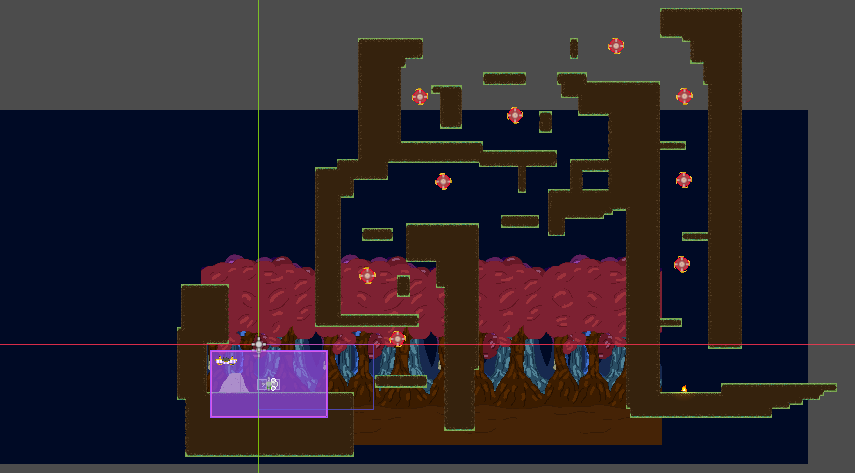
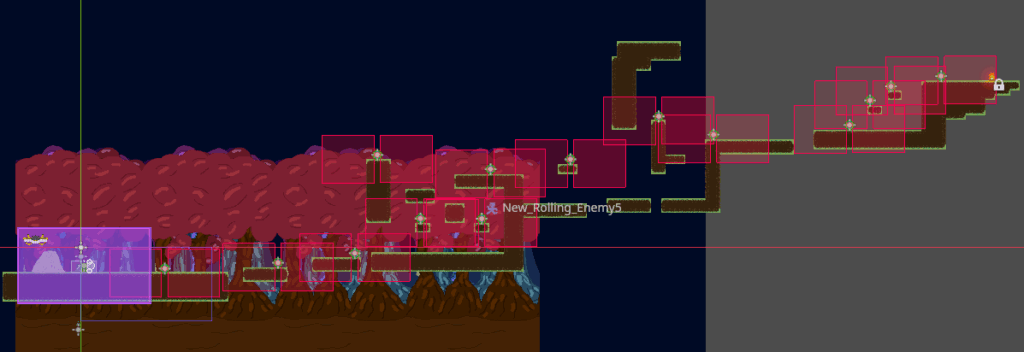
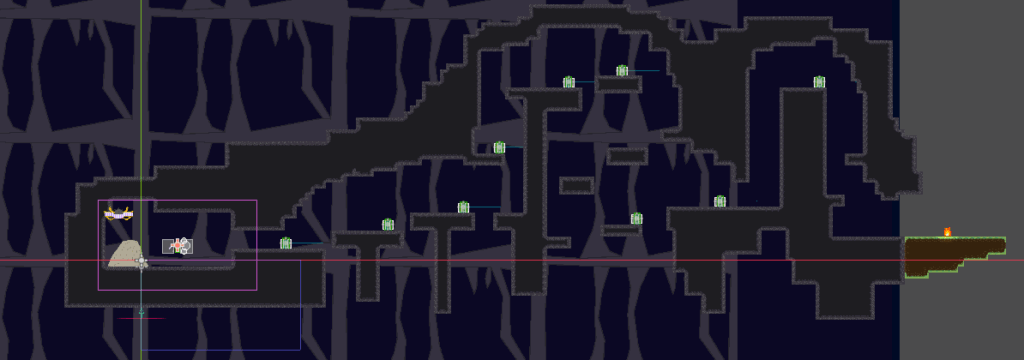
  • Working on making levels with one enemy/hazard

  • Fire Dash Pog

    its like a riot shield and it lights enemies on fire